Now in private beta · 1/100

Every image,
in your brand.

Set your palette, style, and “never include” rules once. Drop <Inktag/> in your blog — every image inherits your brand. No more stock photos. No more Photoshop.

See how it works
100 seats · no card · hand-pickedthis Cellar Press blog → uses your brand: editorial photography · 16:9 · webp
cellar.press/burgundy-2018-vintage
live
CCellar Press
Wine·Vintage·March 12, 2026

Why 2018 Burgundy Rewards the patient cellar
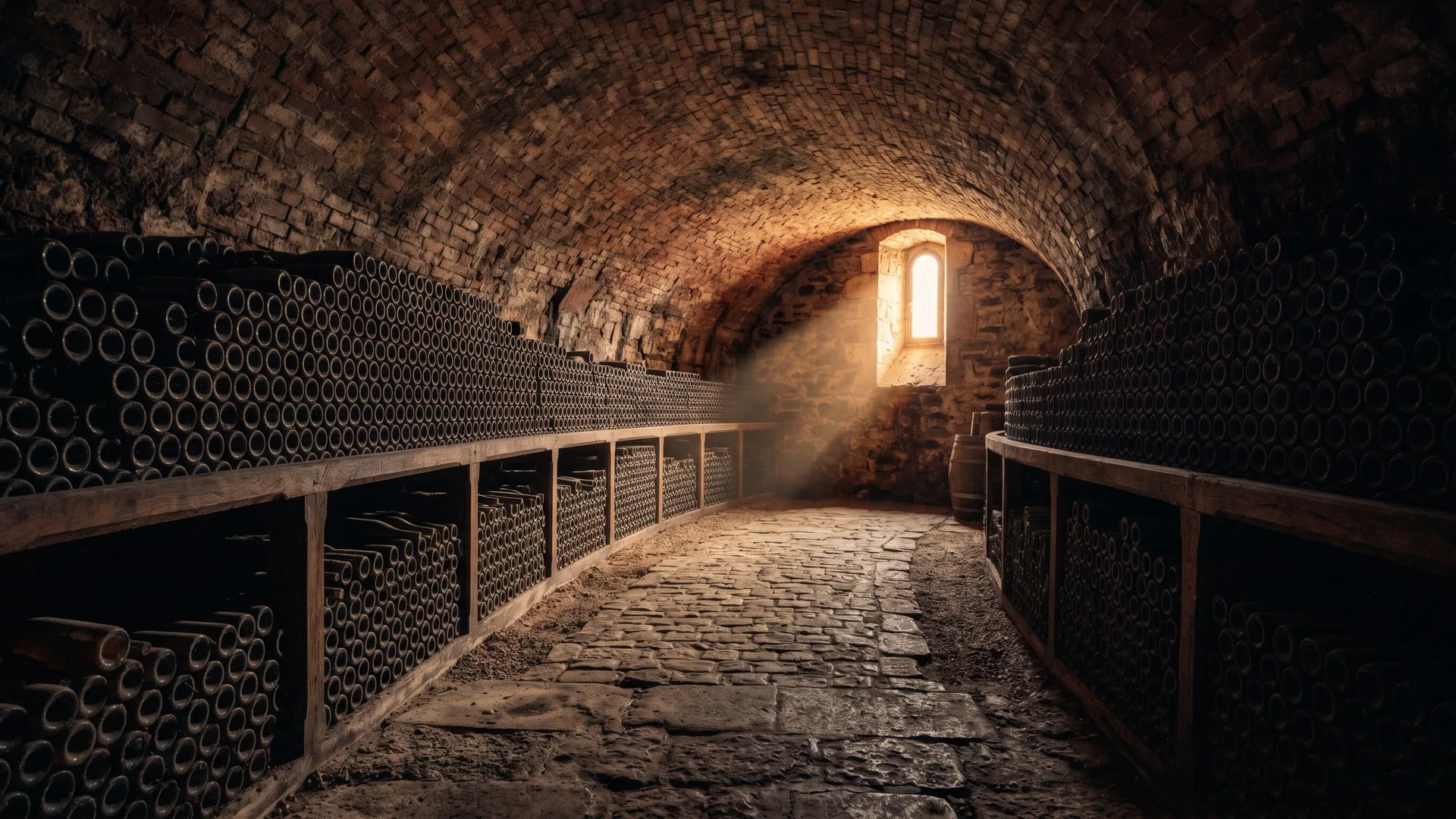
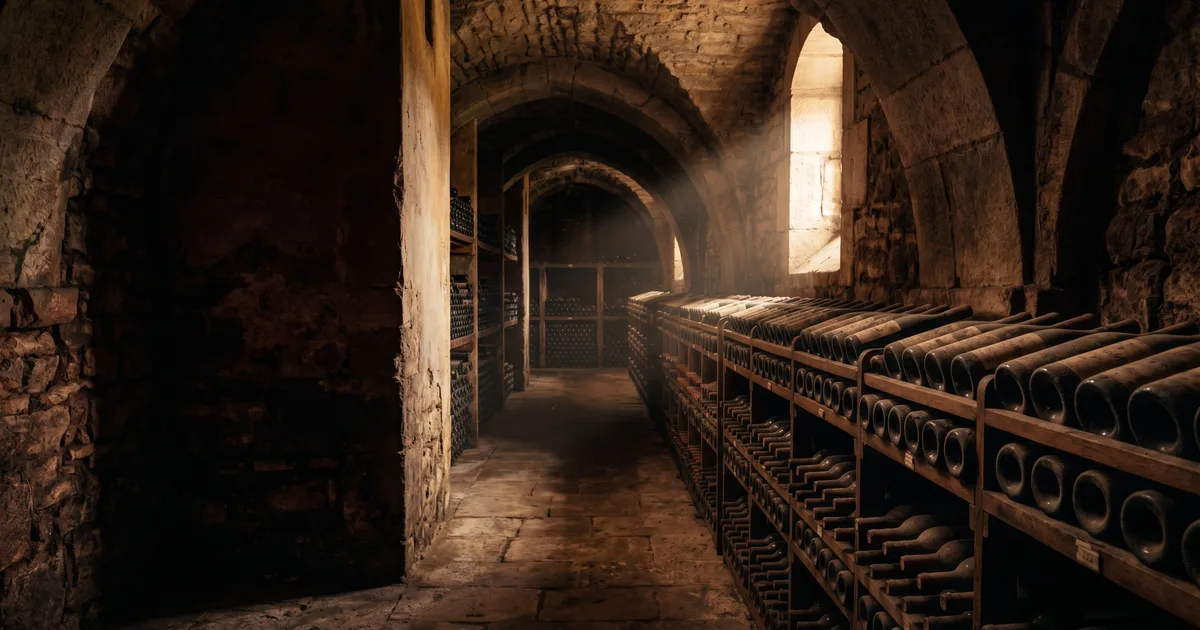
a wine cellar at golden hour
a wine cellar at golden hour1.2s · webp · cached

The 2018 vintage in Burgundy is one that rewards patience. After three challenging seasons, conditions finally aligned for the kind of vintage that ages into something extraordinary — if you can wait.

Share
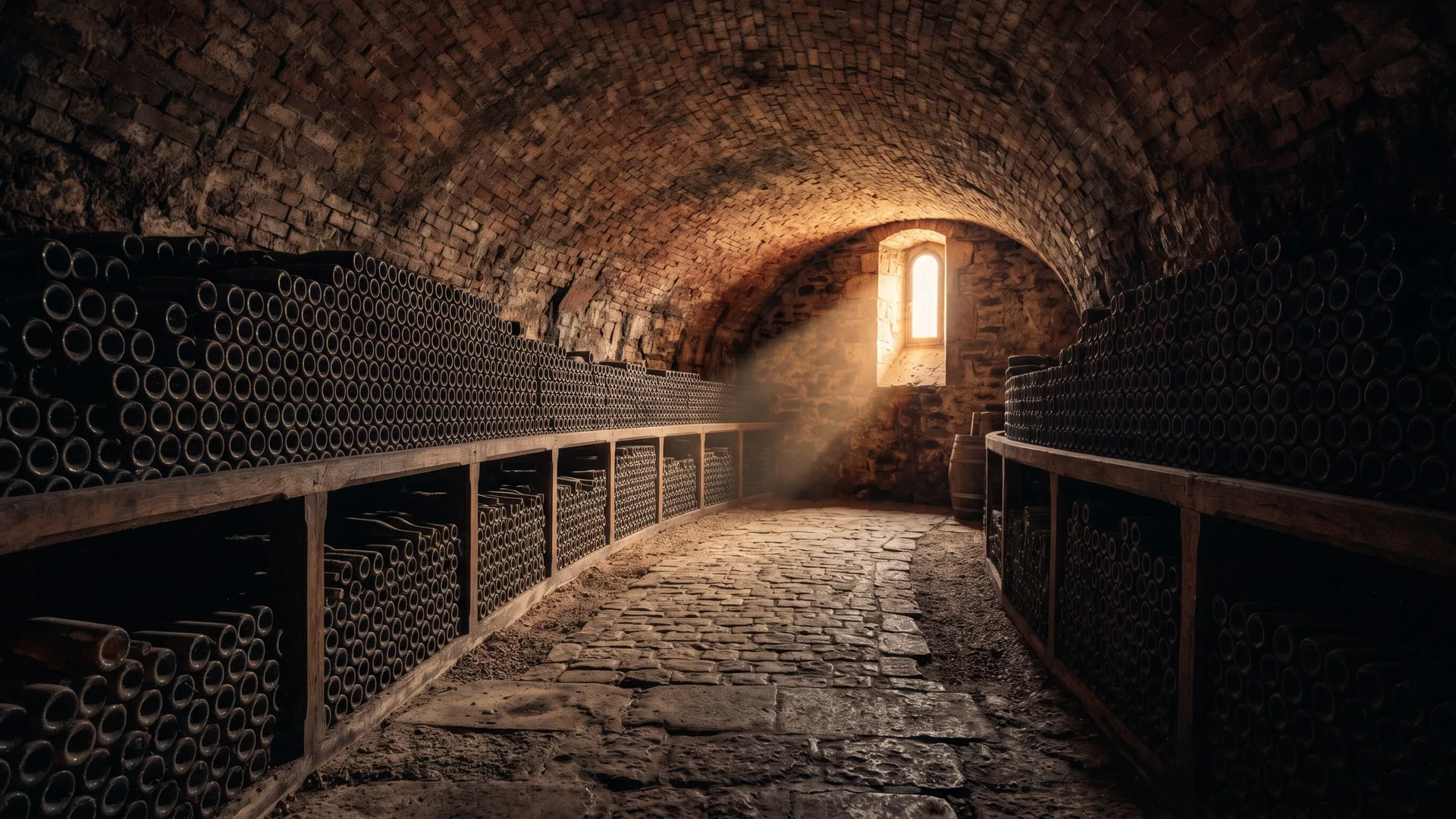
1 / 4 · same brand, new prompt
↳ the tag you saw on the blog above
// In your blog template
import { Inktag } from "@inktag/react"

export default function Post() {
  return <Inktag
    prompt="a wine cellar at golden hour"
    format="webp"
  />
}
How it works

Three steps. Then never again.

Once your brand is set, every tag inherits it. The only thing you change is the prompt.

01 · brand
Set your look once
Palette, style, aspect, mood, and a 'never include' list. Lock it from the dashboard — it's the only configuration the model ever sees.
02 · install
One npm install
npm i @inktag/react. Paste your API key. That's the whole setup.
03 · drop
Drop the tag, ship the post
Use <Inktag prompt="…"/> anywhere you'd use an <img/>. We render in your brand, cache, and serve.
Brand · once

Set your look once.

The biggest problem with on-demand AI imagery isn't quality — it's consistency. Your dashboard locks the variables that matter, so the model only changes what should change: the subject.

Aspect & format16:9 · webp
Styleeditorial photography
Palettelocked to your hex list
Never includetext · watermarks · faces
Providerauto-routed by cost
Brand · winecellar.dev
active
Aspect16:9
Formatwebp
Styleeditorial photography
Moodwarm, low contrast
Palette
Never include
text overlayswatermarkspeople's faces
Drop the tag anywhere

Anywhere you'd drop an <img/>.

One tag. Different aspect ratios per surface. Your brand applied to every output, automatically.

post.tsxbrand.config.ts
−1+1
14<img src="/cdn/stock-wine-cellar-1284.jpg" alt="a wine cellar" />
14+<Inktag prompt="a wine cellar at golden hour" />
[ BLOG HERO ]16:9
a wine cellar at golden hour, editorial photography
prompt="a wine cellar at golden hour"
16:9
Article hero images
Drop the tag at the top of every post. Long-form gets a hero that actually matches the topic — and your brand.
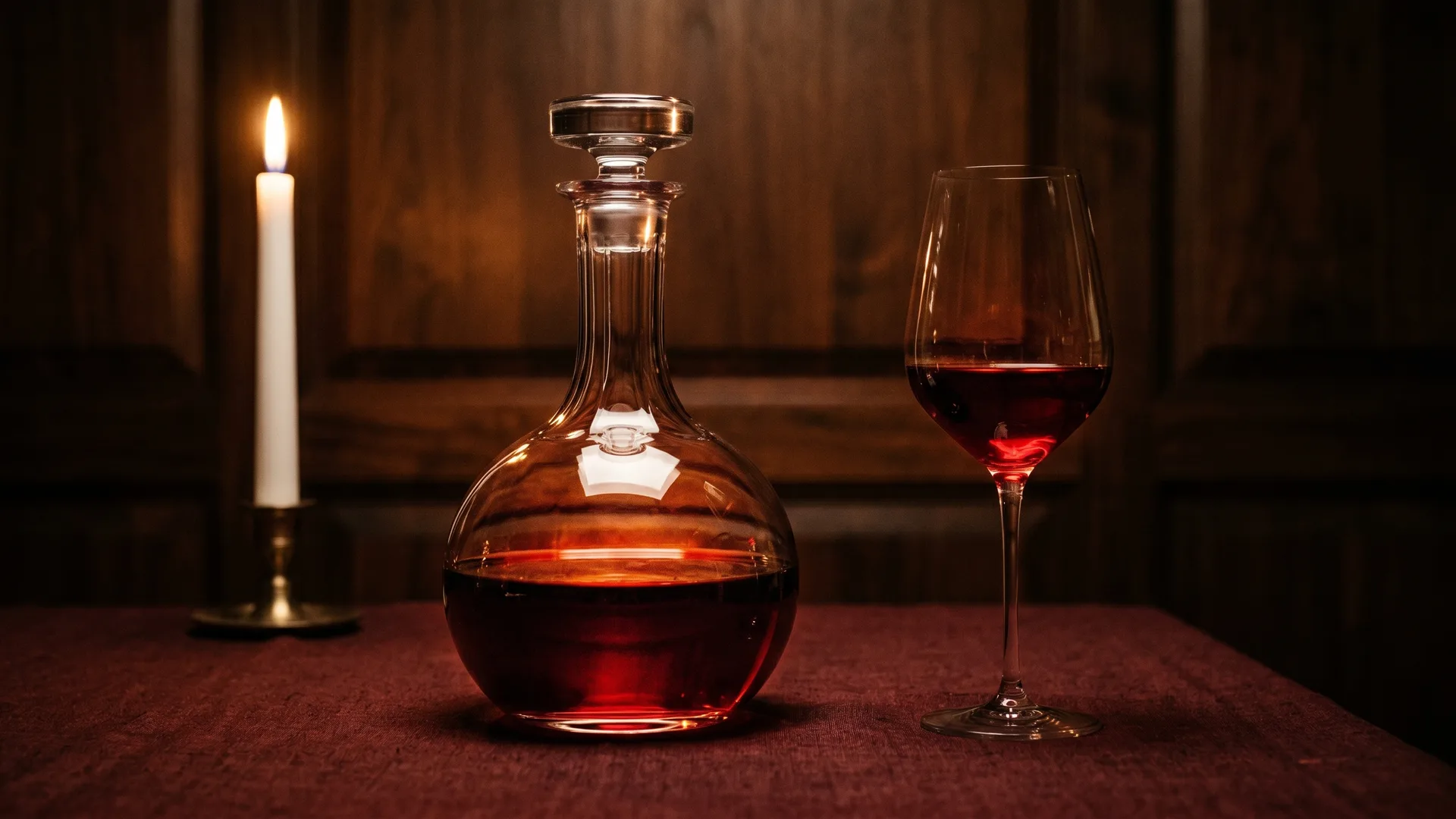
[ OG / SOCIAL ]1.91:1
OG social preview of a wine cellar interior
prompt="post: 2018 burgundy vintage" aspect="og"
1.91:1
Social preview images
Generate OG images per page at build time or on-demand. Twitter, LinkedIn, iMessage previews — all on-brand.
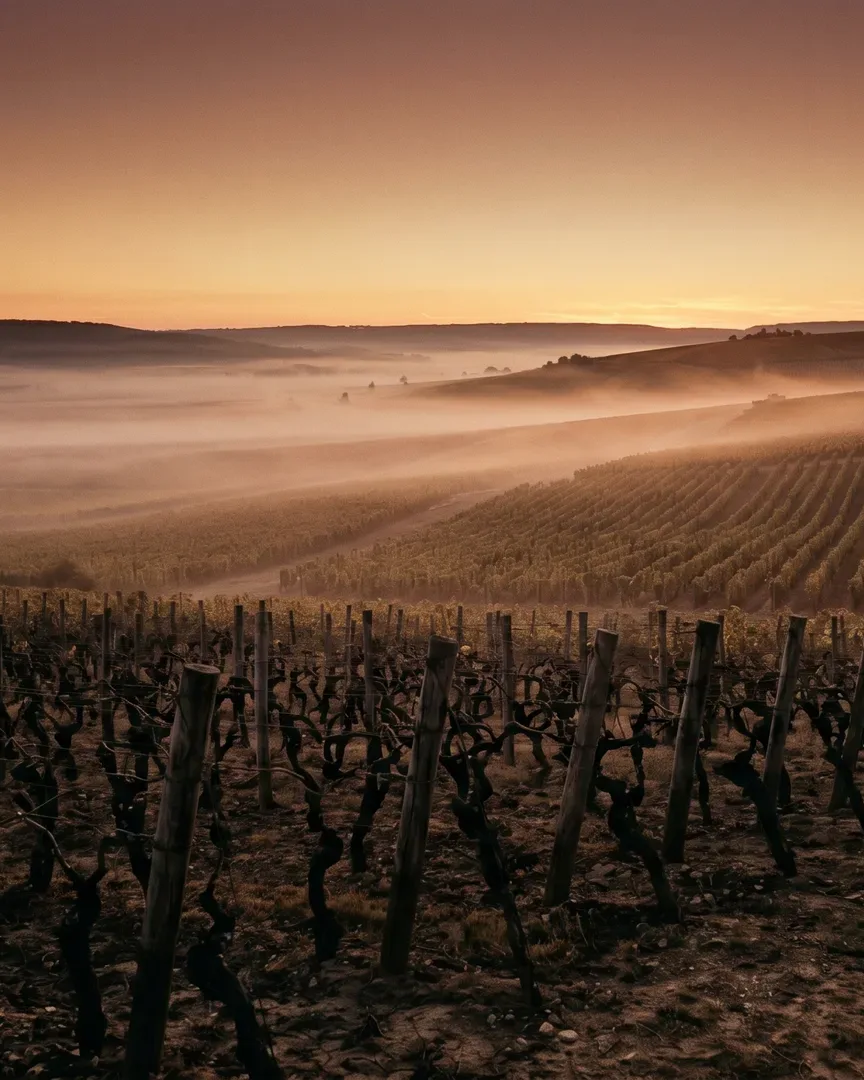
[ NEWSLETTER ]4:5
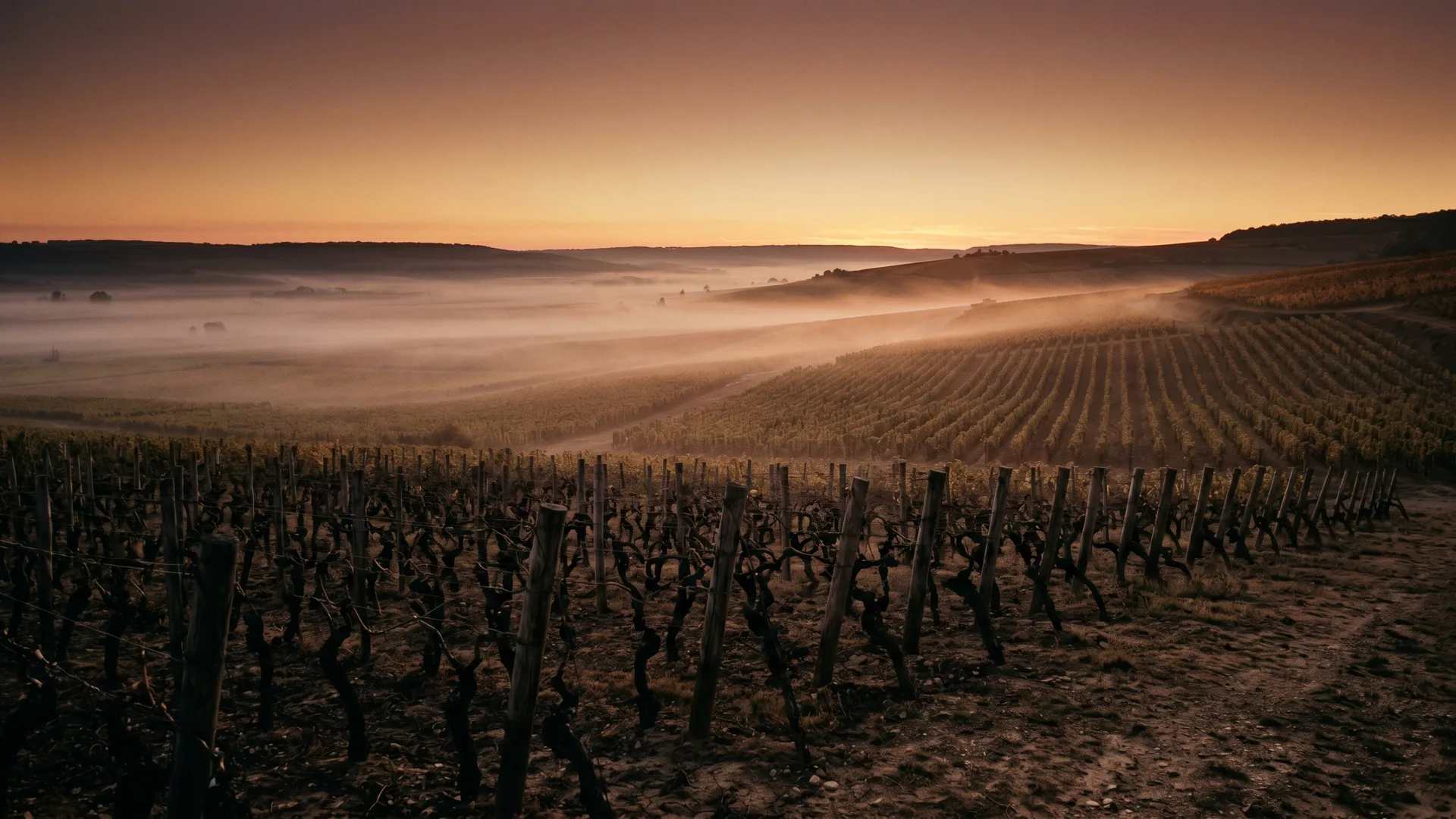
vineyard at dusk with rolling fog, vertical crop
prompt="vineyard at dusk" aspect="4:5"
4:5
Newsletter visuals
Substack, Beehiiv, Ghost, MJML. Tall vertical-friendly aspect for inbox-first reading.
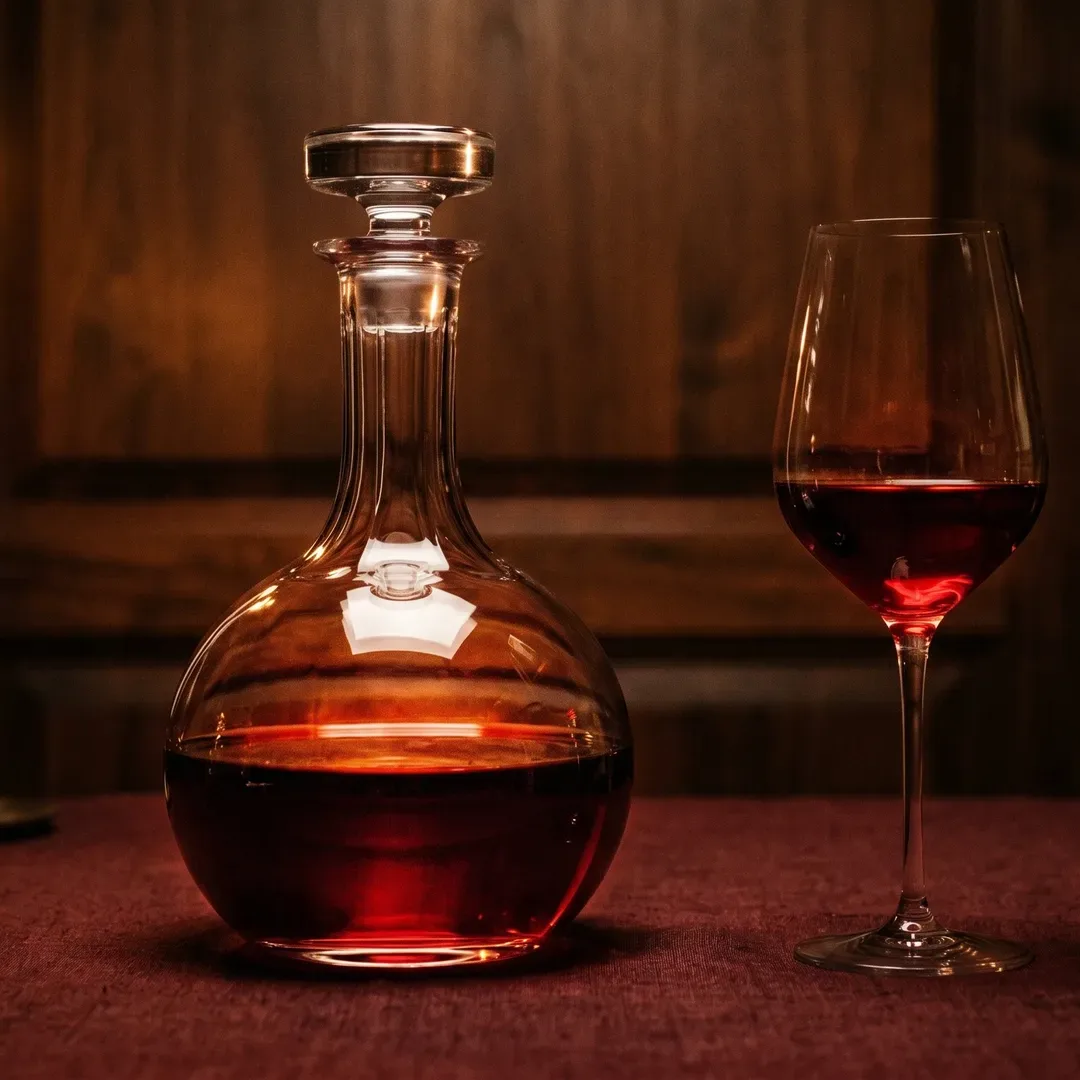
[ DOCS ]1:1
wine decanter and glass on burgundy linen, square crop
prompt="decanter & glass on linen" aspect="square"
1:1
Docs illustrations
Square illustrations for API reference, concept pages, and tutorial steps. Always in your style guide.
Why not just…

Stock looks like stock. AI looks generic. Yours doesn't.

Other tools give you images. We give you images that look like you.

Looks like your brand
Stock
No
Generic AI
No
drifts every gen
Inktag
Yes
locked config
On-demand, inside your code
Stock
No
Generic AI
No
manual export
Inktag
Yes
<Inktag/> tag
New unique image per post
Stock
License each
$ per use
Generic AI
Yes
Inktag
Yes
Render time
Stock
Instant
if licensed
Generic AI
30–60s
interactive only
Inktag
<2s cached
No Photoshop step
Stock
Depends
Generic AI
No
crop & cleanup
Inktag
Yes
Locked “never include”
Stock
Generic AI
No
drifts
Inktag
Yes
config-level
FAQ

Questions before you give us a dollar.

We expect a few. Email hi@inktag.io if yours isn't here.

01How do you pick the 100?
We read every “what will you generate” answer. Seats go to the use cases that best stress-test the brand-locking system — bloggers, writers, and content sites with a clear visual identity. First-come doesn't buy you a seat; specificity does.
02Why don’t you charge anything to apply?
Because at this stage we're validating demand, not willingness to pay a dollar. We'd rather see your real use case than your credit card. Spam and bot signups get filtered differently — invisible verification and double opt-in on the confirmation email.
03What image-gen models are you using under the hood?
We auto-route between providers (OpenAI, fal.ai, Replicate, and a few others) based on cost, latency, and best match for your brand style. You don't pick — that's the whole point. We'll publish a provider transparency page before launch.
04What frameworks are supported?
React first — Next.js, Remix, Astro, Gatsby. Vanilla JS / HTML helper ships with beta. Vue and Svelte planned post-launch. An HTTP API is available for anything else (curl works fine).
05Can I self-host the image cache?
Yes, planned. You'll be able to point the service at your own S3 / R2 / Cloudflare bucket so rendered images live in your infrastructure, not ours. Cache TTL is configurable per-prompt.
06Do you train on my prompts or outputs?
No. Your prompts and rendered images belong to you. We log prompts briefly to debug routing, never train on them. Image outputs are deleted after the cache TTL you specify.
07How much will it cost after beta?
We're using the beta to figure out what pricing makes sense. Current thinking: usage-based with a free tier for indie bloggers and a per-render rate after that. Beta participants get early-access pricing locked in — published before launch, no surprises.
08Who is this not for?
If you want pixel-perfect Photoshop control — this isn't it. If you don't have a clear brand look — set one up first, then come back. If you're trying to make memes or one-off images — Midjourney is better. We're built for repeated, on-brand imagery across many surfaces.
Beta · 1/100

We want signal, not signups.

100 seats, hand-picked. We read every “what will you generate” answer — the ones with a real use case go in first. No card required.

who
Who's it for?

Bloggers, writers, and content sites that represent a brand — and need their images to look like that brand. Not for one-off memes.

how
How we pick

We read every 'what will you generate' answer. 100 seats go to the use cases that best stress-test the brand-locking system.

next
What you get

If selected: an invite, your API key, and early-access pricing locked in. If not: a place on the launch waitlist with the same pricing.